OG Image Size Guide: Dimensions for Every Social Platform
The safe og image size is 1200 × 630 pixels (1.91:1) — it renders correctly on every major platform. But “safe” is not “identical”: each network crops, compresses and reads your tags slightly differently, which is why the same image can look perfect on Facebook and cropped on LinkedIn. Here is the working size, the platform-by-platform cheat sheet, and the fallback rules that explain every weird case.
Why your OG image looks great on Facebook but cropped on LinkedIn
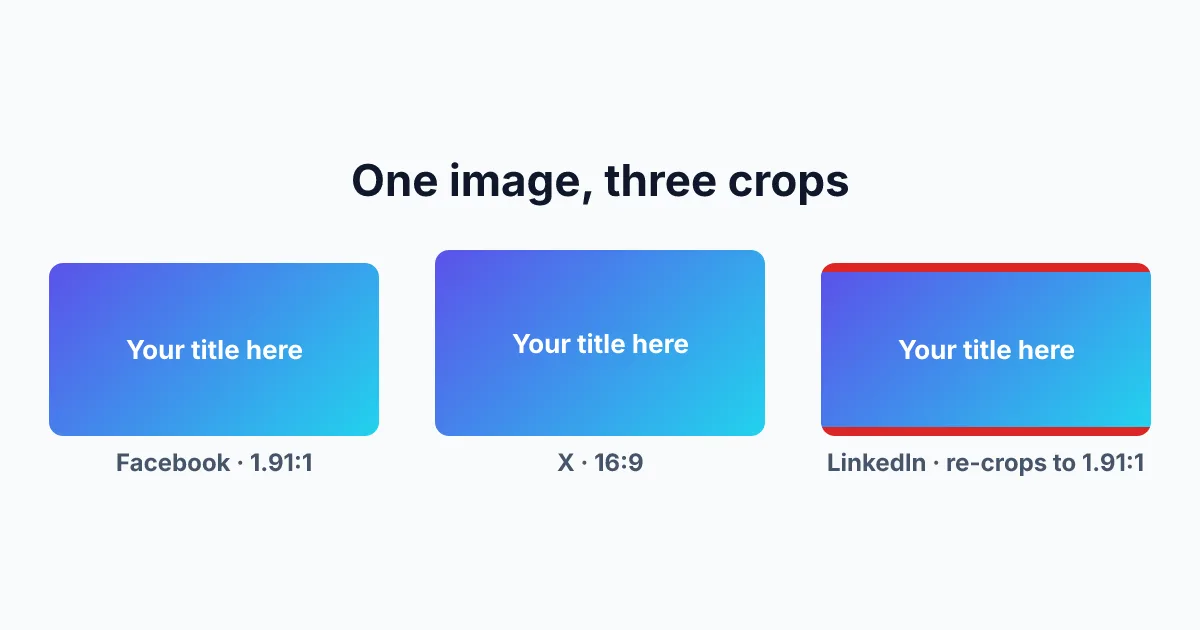
You upload one 1200×630 image, add the og:image tag, and share the link. On Facebook the card looks exactly as designed. On X the card renders at a strict 2:1 ratio, so your 1.91:1 image loses a strip off the top and bottom — export at 1200×600 to match it natively. On LinkedIn the edge of your design disappears — LinkedIn re-crops every image to its own 1200×627 frame, so those 3 missing pixels come straight off your content.
WhatsApp can be harsher still: share a link with a heavy image and the preview may not render at all, collapsing your link into plain text.
None of this is your CMS misbehaving. Every platform takes the same og image tag and applies its own rendering rules to it. Getting the og image dimensions right means knowing two things: the one size that works everywhere, and the per-platform quirks on top of it.
The OG image size that works everywhere
1200 × 630 pixels, a 1.91:1 og image aspect ratio. Facebook recommends it, X displays it without complaint, and LinkedIn’s 1.91:1 crop trims only a safe 3 pixels.
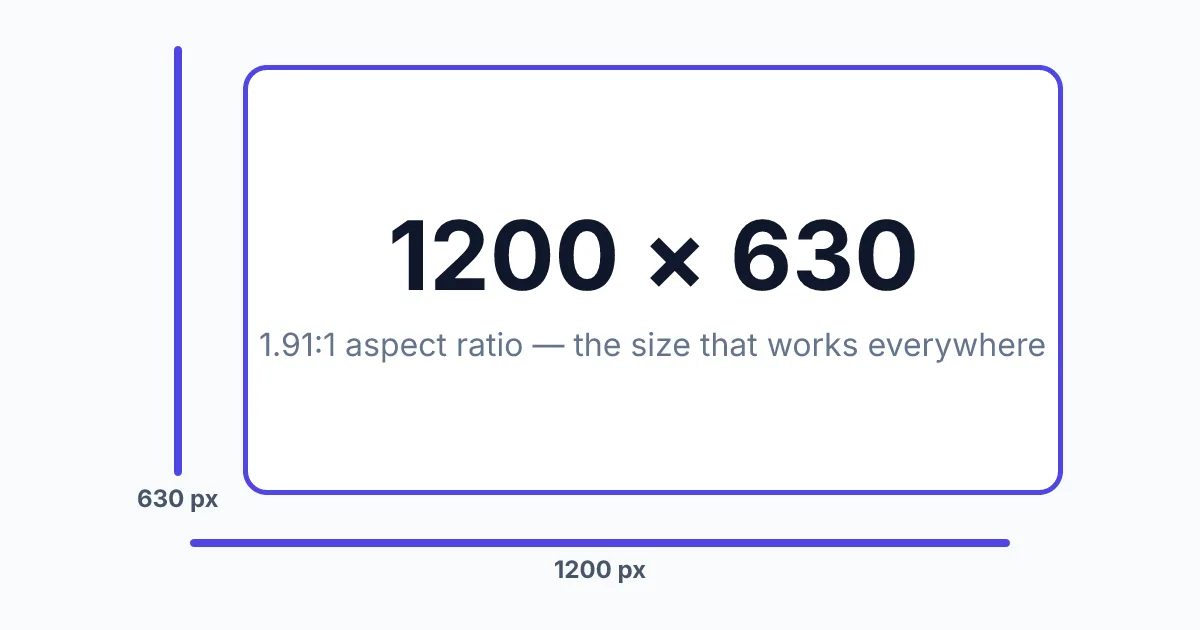
A detail most guides miss: the Open Graph protocol itself defines no dimensions. The spec at ogp.me describes og:image only as “an image URL which should represent your object.” The 1200×630 convention exists purely because Facebook’s rendering practice set it and every other platform followed. That is also why platform rules — not the spec — are what actually break your previews.
The boundaries that matter
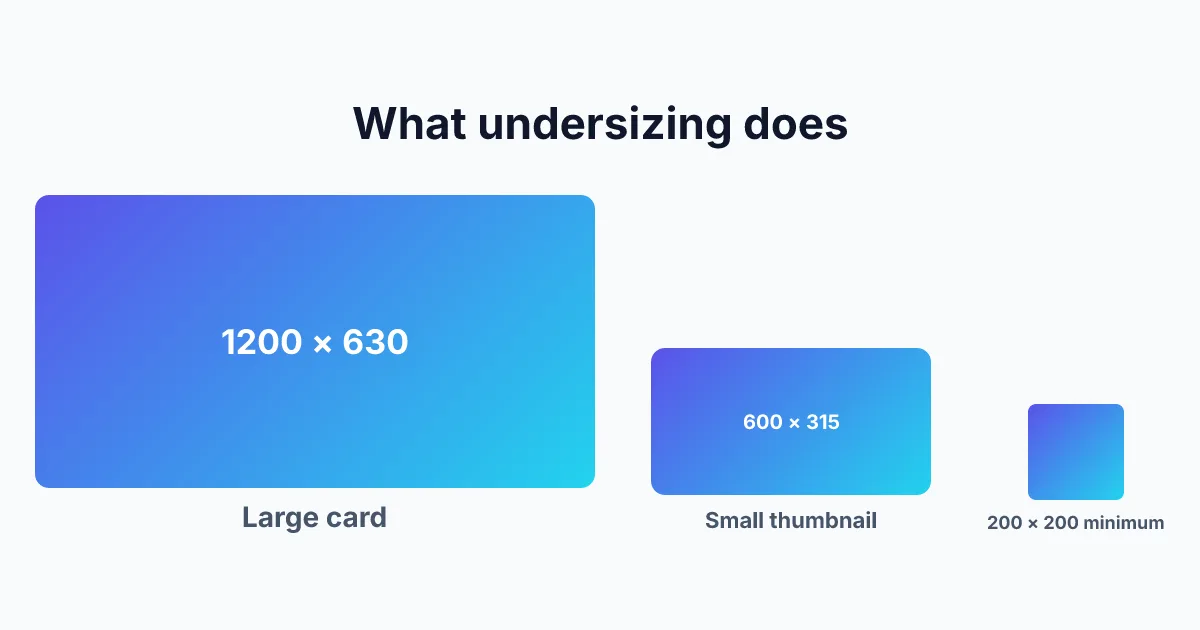
- Floor: Facebook drops images under 200 × 200 entirely, and anything under 600 × 315 gets shrunk into a small side thumbnail instead of a large card.
- Ceiling: Facebook rejects images over 8 MB; X caps them at 5 MB. In practice you want to stay far below both — under 300 KB keeps WhatsApp happy.
- Formats: JPEG and PNG work everywhere. WebP is now accepted by Facebook, X, Discord and Slack. GIF animates in some feeds and freezes on the first frame in others. SVG is not supported anywhere as an og image format.
The tag itself:
<meta property="og:image" content="https://your-site.com/og-image.png" />
<meta property="og:image:width" content="1200" />
<meta property="og:image:height" content="630" />
<meta property="og:image:alt" content="Preview card showing the article title" />
Declaring width and height lets platforms reserve layout space before downloading; the alt text is what screen readers announce and what the spec recommends alongside every image.
Before you ship: run your URL through the free OG Image Checker — it loads your actual image and reports the real dimensions, file size and per-platform preview, so you are verifying facts rather than hoping.
OG image sizes for every platform (cheat sheet)
The og image size Facebook, X, LinkedIn and the messaging apps actually want, in one table:
| Platform | Recommended | Minimum | Aspect ratio | Formats | Notes |
|---|---|---|---|---|---|
| 1200×630 | 600×315 for the large card (200×200 absolute) | 1.91:1 | JPEG, PNG, WebP | Max 8 MB; undersized images become small thumbnails | |
| X (Twitter) | 1200×600 | 300×157 | 2:1 | JPEG, PNG, WebP, GIF | Max 5 MB; falls back to og:image when twitter:image is missing. 1200×675 (16:9) also works — X auto-crops it to 2:1. |
| 1200×627 | 200×200 | 1.91:1 | JPEG, PNG | Auto-crops to its own frame — keep content away from edges | |
| 1200×630 | ~300×200 for a preview to appear | 1.91:1 | JPEG, PNG | Keep under ~300 KB or the preview drops; caches aggressively | |
| Discord | 1200×630 | — | 1.91:1 | JPEG, PNG, WebP, GIF | Embed previews follow og:image |
| Slack | 1200×630 | — | 1.91:1 | JPEG, PNG, WebP | Unfurls when the URL stands alone in the message |
| Telegram | 1200×630 | — | 1.91:1 | JPEG, PNG | Preview card follows og:image |
| 1200×630 | — | 1.91:1 | JPEG, PNG | Usually renders as a thumbnail-sized crop | |
| iMessage | 1200×630 | — | 1.91:1 | JPEG, PNG | Apple’s previewer centers smaller images |
Facebook’s and X’s numbers come from their developer documentation. LinkedIn, WhatsApp, Discord, Slack, Telegram, Reddit and iMessage publish no official og image specs — their rows are stable practical values that account for the fb og image size heritage and today’s rendering behavior, verified by testing rather than documentation.
How platforms choose your OG image (and why it sometimes picks the wrong one)
Platforms do not all read your tags in the same order. The general fallback chain is og:image → twitter:image → the first <img> on the page, but each network colors outside the lines:
- X prefers twitter:image and only falls back to og:image when the Twitter-specific tags are missing.
- LinkedIn, WhatsApp, Discord and Slack read og:image directly and ignore twitter:* entirely.
- Facebook uses the first og:image tag on the page. Declare three images and you are gambling on which one each platform picks — most take the first, so make it your best.
The other usual suspect is caching. Platforms snapshot your page when it is first shared and keep that version for weeks. If you fixed the image but still see the old one, the tag is usually fine and the cache is stale — Facebook’s Sharing Debugger and X’s Card Validator both have a “refresh” action that forces a re-scrape.
This tag-selection behavior — not the open graph image size itself — is behind most “wrong image” reports. One og:image, absolute https URL, correct dimensions, and the problem disappears.
How to test if your OG image is the right size
Paste your URL into the OG Image Checker — our tool loads the real og:image behind your tag, measures it, and flags the exact threshold you are about to cross. It fetches your live page the way a platform crawler would, Here is how:
- Paste your URL — the checker fetches the live page and loads the actual og:image behind the tag.
- Read the audit — pixel dimensions, file size and format, each checked against the thresholds in the table above.
- Scan the 8 previews — X, Facebook, LinkedIn, Discord, WhatsApp, Slack, Telegram and Reddit, side by side. A wrong size shows up instantly as a cropped or shrunken card.
The official tools complement it: Facebook’s Sharing Debugger and X’s Card Validator are the right places to refresh a stale cache after you change an image.
How to generate an OG image at the right size (without a designer)
The free OG Image Generator ships with size presets for every platform in the table above — 1200×630, X’s 1200×600, LinkedIn’s exact 1200×627 and more. Pick a template, drop in your title and brand color, and export PNG, JPG or WebP at 1× or 2× resolution — the thirty-second path from blank canvas to launch-ready card for your side project. If WhatsApp matters to you, export JPG — it typically lands well under the 300 KB threshold that trips previews.
Everything renders in your browser, so it costs nothing and the image never leaves your machine.
FAQ
What is the standard OG image size?
1200 × 630 pixels with a 1.91:1 aspect ratio. It satisfies Facebook’s recommendation, survives LinkedIn’s 1200×627 crop, and displays large on every other major platform.
What is the best image format for OG images?
JPEG for the smallest files (best for WhatsApp’s ~300 KB practical limit), PNG when your design has sharp text or needs transparency, WebP as a modern middle ground. Avoid SVG — no platform renders it as an og:image.
Why is my OG image cropped on LinkedIn?
LinkedIn re-crops every image to its own 1.91:1 frame (1200×627). Design at 1200×627 exactly, or keep critical content at least 60 pixels away from every edge of a 1200×630 canvas.
Does the OG image size affect SEO?
Not directly — og:image is not a ranking factor. It decides whether your link renders as a rich card, which changes click-through rates, and clicks are the indirect signal search engines notice.
Can I use a different image size for each platform?
Only partially. X accepts its own twitter:image, but every other platform shares your single og:image. One 1200×630 image is the practical answer; per-platform images are only worth the effort when a specific platform’s crop genuinely hurts your design.
New to Open Graph tags altogether? Start with What Is an OG Image? The Complete Guide, then come back for the sizes.
Check your OG image right now
Paste any URL and see how it renders on all 8 major platforms — with a full tag audit.
Open the free OG Image Checker →